
SCHOOLS
Planning for one school and its community.
Whether you are a local authority maintained school or a standalone academy, you need dependable classrooms, manageable costs and clear accountability. Start with the technology that interrupts teaching, then plan improvement around the school development plan and term dates.
Discuss your priorities ↗
WHAT TO CONSIDER
Put the important decisions first.
Coverage before equipment
Check actual classroom Wi-Fi performance, broadband resilience and switching capacity before adding more devices.
A practical device standard
Compare staff and pupil needs, accessibility, repairability, warranty and configuration time rather than unit price alone.
Safeguarding in daily use
Review filtering and monitoring responsibilities with the designated safeguarding lead, IT lead and governors.

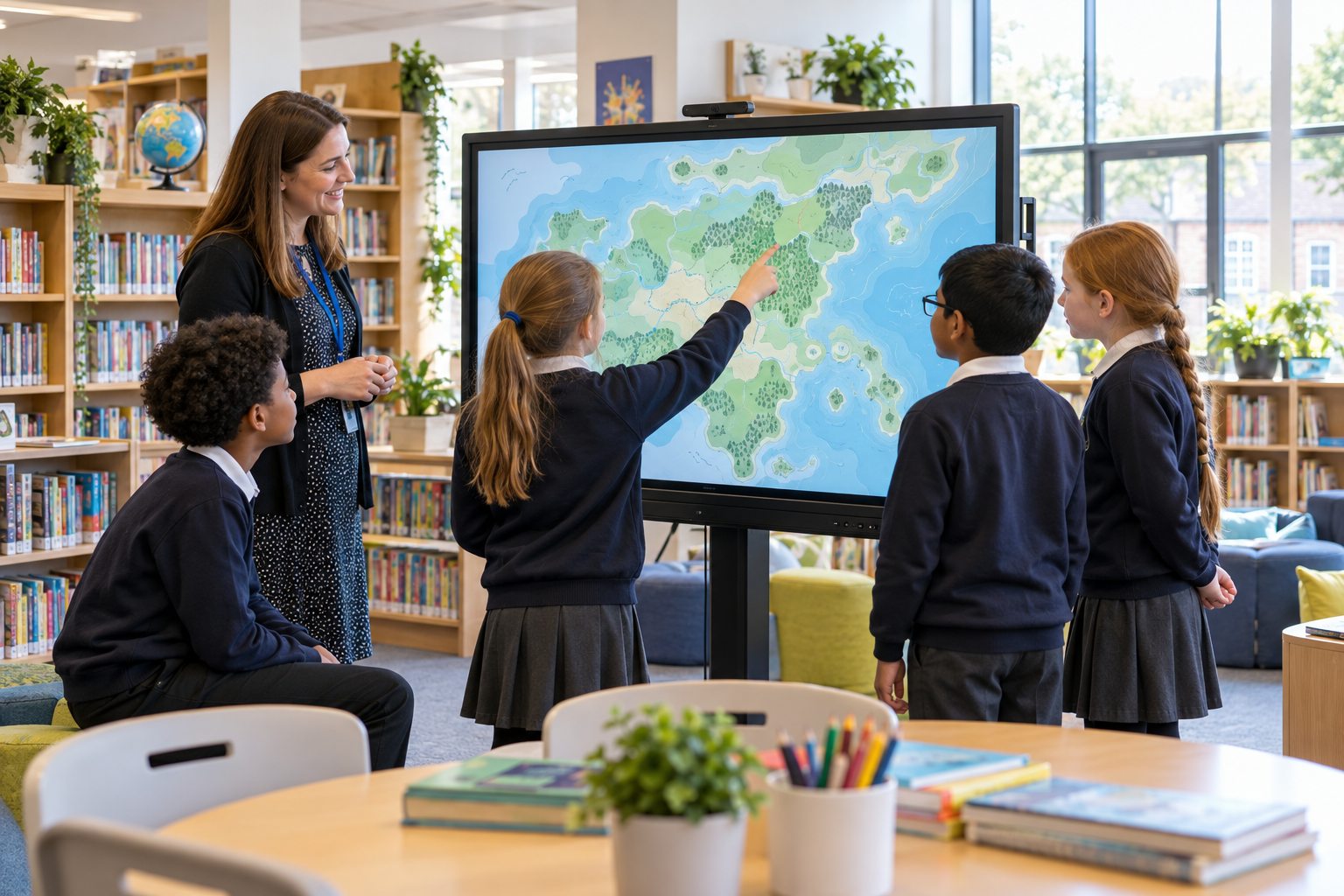
In the classroom
Plan for the moment every pupil needs to connect, sign in and get on with the lesson.
FROM BRIEF TO DELIVERY
A plan you can act on.
A one-page technology brief is often enough to start: current problem, affected users, sites, deadline, approximate budget and the decision maker.
- Audit what you haveRecord devices, warranties, licences, network equipment and support arrangements. Identify items that can be retained.
- Agree the prioritySeparate urgent risks from desirable improvements; note who signs off and how success will be measured.
- Plan the school dayAllow for delivery, enrolment, training and a fallback if a change affects teaching.
NEXT PRACTICAL STEP
For a single school.
Get a workable brief and a delivery window that fits the timetable.
COMMON QUESTIONS
Before you decide.
Do we need to replace every device?
No. Start with condition, support status and suitability. A mixed plan of continued use, repair, redeployment and targeted replacement may be more useful.
How do we avoid disruption?
Agree a deployment window, preparation steps, user handover and fallback for classrooms before the first delivery.