
DEVICE LIFECYCLE
Get more value from every device.
Buying is only one point in a device’s life. Preparation, repair, reuse, secure data handling and responsible retirement all affect the budget and the user experience.
Discuss this priority ↗
WHAT THE WORK COVERS
Three connected decisions.
Assess condition
Record age, warranty, battery health, performance and suitability for the next user.
Prepare and deploy
Plan configuration, enrolment, asset tags, delivery and handover.
Reuse or retire
Compare repair, redeployment, refurbishment, trade-in and secure disposal routes.
PRACTICAL DELIVERY
Start with the evidence.
A lifecycle plan shows how many devices are needed, what can be kept, and when each cohort should move. Confirm data handling and evidence requirements before collection.
A useful next step
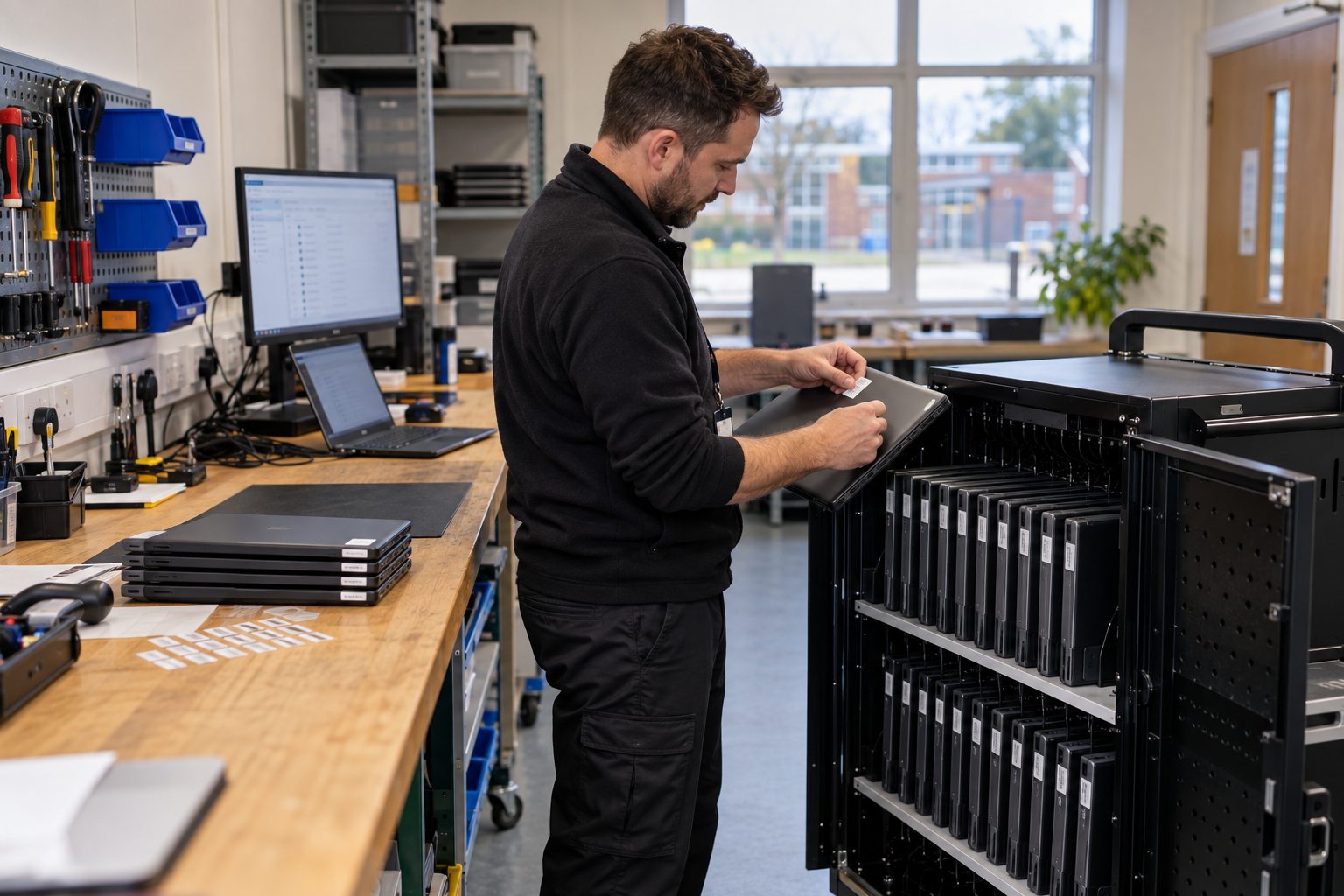
A repair, redeployment or secure retirement decision starts with the condition of each device.
A device cohort plan showing retain, repair, replace and secure retirement decisions.
See the relevant Department for Education guidance for England. Fortem can help turn the requirements and your local priorities into a workable brief.
COMMON QUESTIONS
Before you decide.
When should a device be repaired?
Compare repair cost and remaining useful life with replacement need, performance and warranty.
What happens to data on retired equipment?
Agree a secure erasure or destruction route and the evidence your organisation requires before devices leave your control.